Get the app
Download Block Guard: Spam Call Blocker for Android
Block Guard: Spam Call Blocker is the Android app behind StopSpamCalls.app. Install it free from Google Play, set your blocking rules, and start reducing spam calls, robocalls, and SMS spam today.
Free to install. Core blocking tools are included, with optional Premium features managed through Google Play.
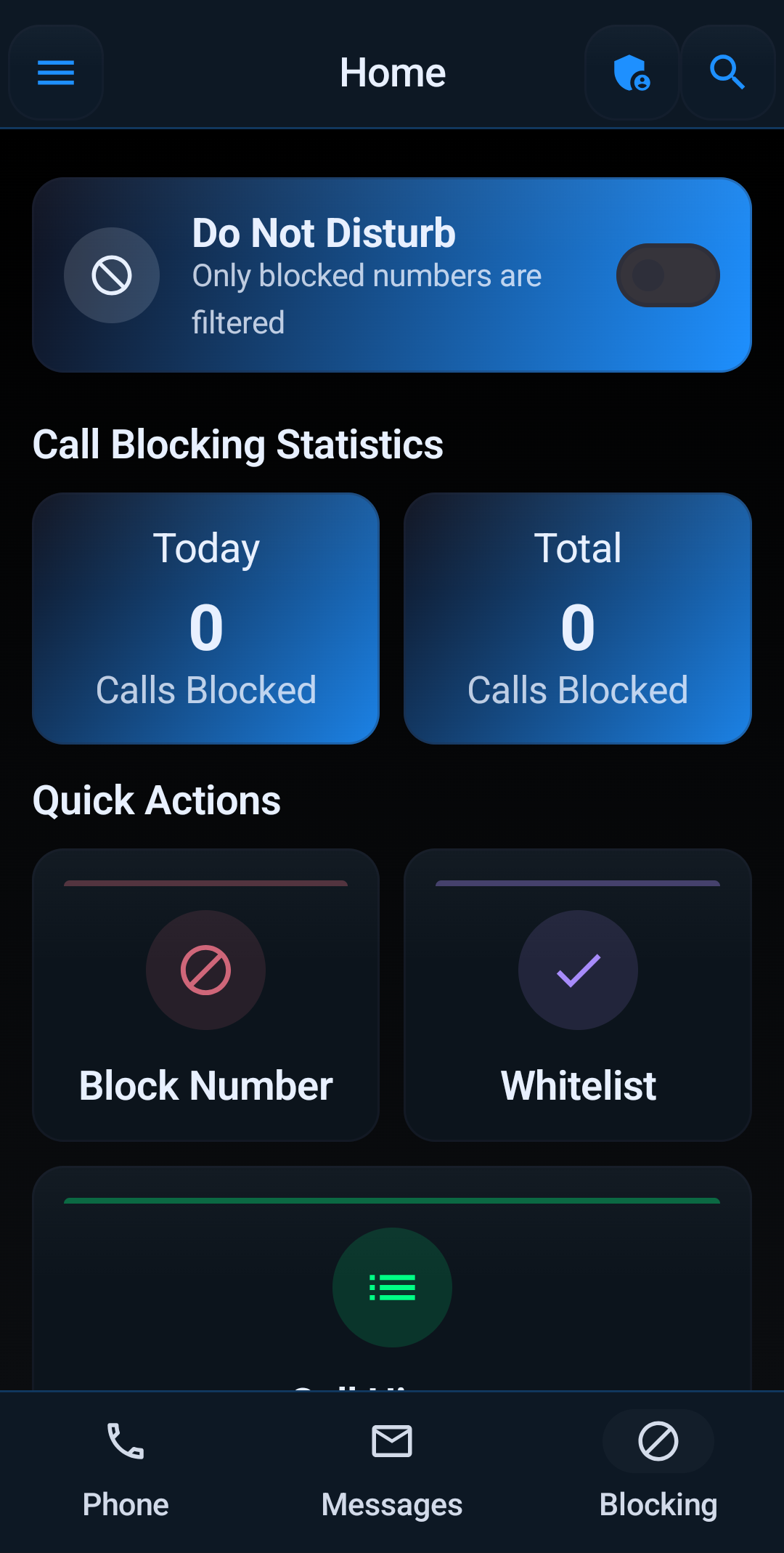
What You Get with Block Guard: Spam Call Blocker
Practical tools designed to protect your phone from unwanted interruptions - and to keep you in control of every rule.
- Spam and scam call blocking
- Robocall reduction controls
- Trusted contact whitelisting
- Unknown number handling
- Area code and prefix filtering
- SMS spam filtering
- Blocking profiles and schedules
- Protection center with blocked-call activity
Set Up in Minutes
- Install Block Guard: Spam Call Blocker from Google Play on your Android phone.
- Grant the call and SMS permissions the app requests during setup - they're what let it screen calls for you.
- Add your trusted contacts so family and important numbers always ring through.
- Choose your protection level, from light spam screening to strict unknown-number control.
- Check the protection center after a few days and fine-tune your rules.
New to call blocking? Start with our guide on how to stop spam calls on Android or get answers in the FAQ.
Keep Reading: Spam Call Guides
More ways to cut down on unwanted calls, spoofed numbers, and SMS spam.
How to Stop Spam Calls on Android
A practical walkthrough of Android call blocking, trusted contacts, and unknown-number controls.
Read the guide →Stop Robocalls on Android
Why robocalls keep coming and the blocking rules that help cut them down.
Read the guide →Block Scam Calls
How scam callers operate and how Block Guard: Spam Call Blocker helps you screen them out.
Read the guide →Neighbor Spoofing Protection
What neighbor spoofing is and how to fight back against fake local numbers.
Read the guide →Call Blocker for Seniors
Simple, safer call blocking for parents and grandparents who use Android.
Read the guide →